

The EveryKey Suite
One access system. Four integrated layers. A shared foundation of presence.
EveryKey is a complete access suite designed to replace passwords with presence. Each layer plays a distinct role, working together as one system that confirms identity, manages access, and keeps security active in the background.
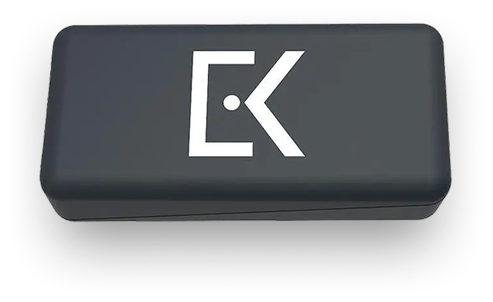
Smart Key
A patented universal key that unlocks devices and signs into online accounts through proximity. Presence replaces passwords at the device and account level.
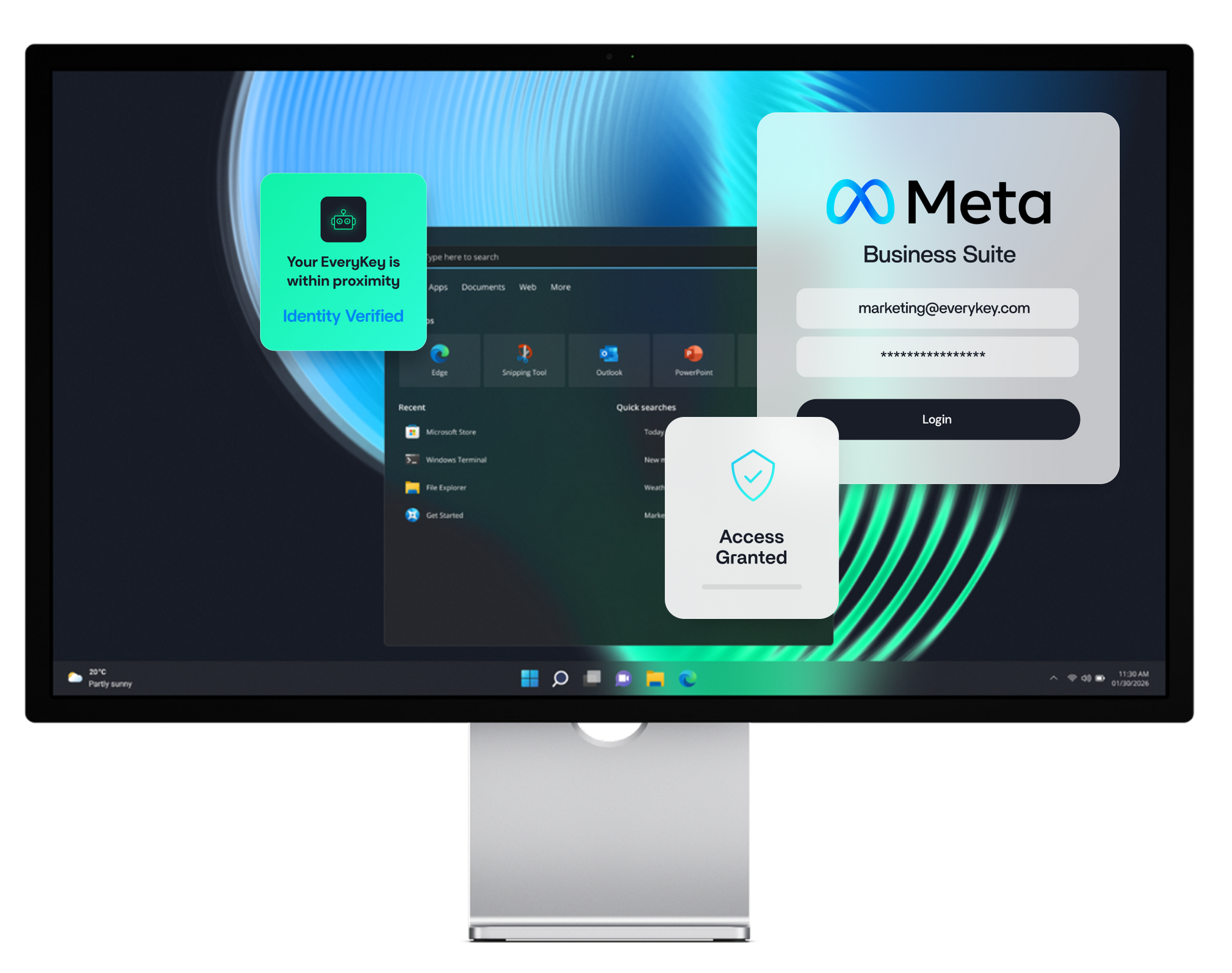
EveryKey Auth Engine
A fully-automated authentication engine that turns your Smart Key into a complete touchless login companion for your devices, applications, and MFA, with continuous authentication.
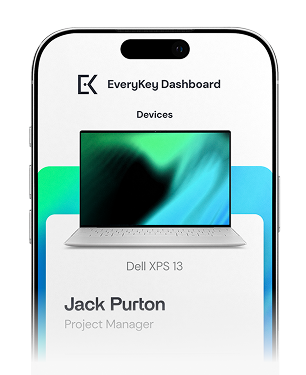
EveryKey App
The control center for users. It manages the smart key, securely stores credentials, and functions as a password manager. Identity stays anchored to the phone people already carry.
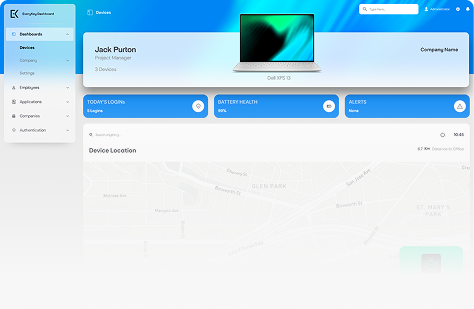
EveryKey Bridge
The administration layer for IT leaders and MSPs. It provides centralized control over access, policies, users, and environments across organizations and clients.
Together, these four components create a single access experience that feels simple for users and clear for administrators.
EveryKey is an access platform built around presence.
Instead of asking people to prove who they are over and over, EveryKey confirms identity continuously. Access opens when trusted presence is detected and closes when it disappears.

Devices unlock when you arrive.
Accounts sign in without prompts. Systems stay protected as you move.

Presence becomes the signal.
This is access designed around how people work, not how systems demand proof.
How EveryKey works:
SETUP
Define how access works for every team and every user.
Setup the right Smart Key configuration for your organization and/or team. Choose between a physical or mobile key or a combination of both by team, department or user.
INTEGRATE
Add presence based access on top of existing identity and security systems.
Integrate with your existing CyberSecurity solution. Add proximity access on top of your existing SSO, policy engine, and password/MFA manager, which enhances user compliance, improves your security posture, and provides added IT controls.
CONFIGURE
Apply risk aware proximity policies per user, location, and environment.
Set proximity access policies that suit each user’s risk profile, behavior, and environment. Adjust between strict controls (e.g. limited geo locations, shorter proximity range) to more flexibility (e.g. within the corporate office); and set your exception handling parameters.
DEPLOY
Roll it out quickly across the entire organization.
Deploy to your team. Each user will easily set up their EveryKey App and proximity access key-lock system, providing them seamless and continuous proximity access to any/all enterprise systems. Once set up, users will never need to type in a password or forget to lock their PC. Presence drives access.
MANAGE
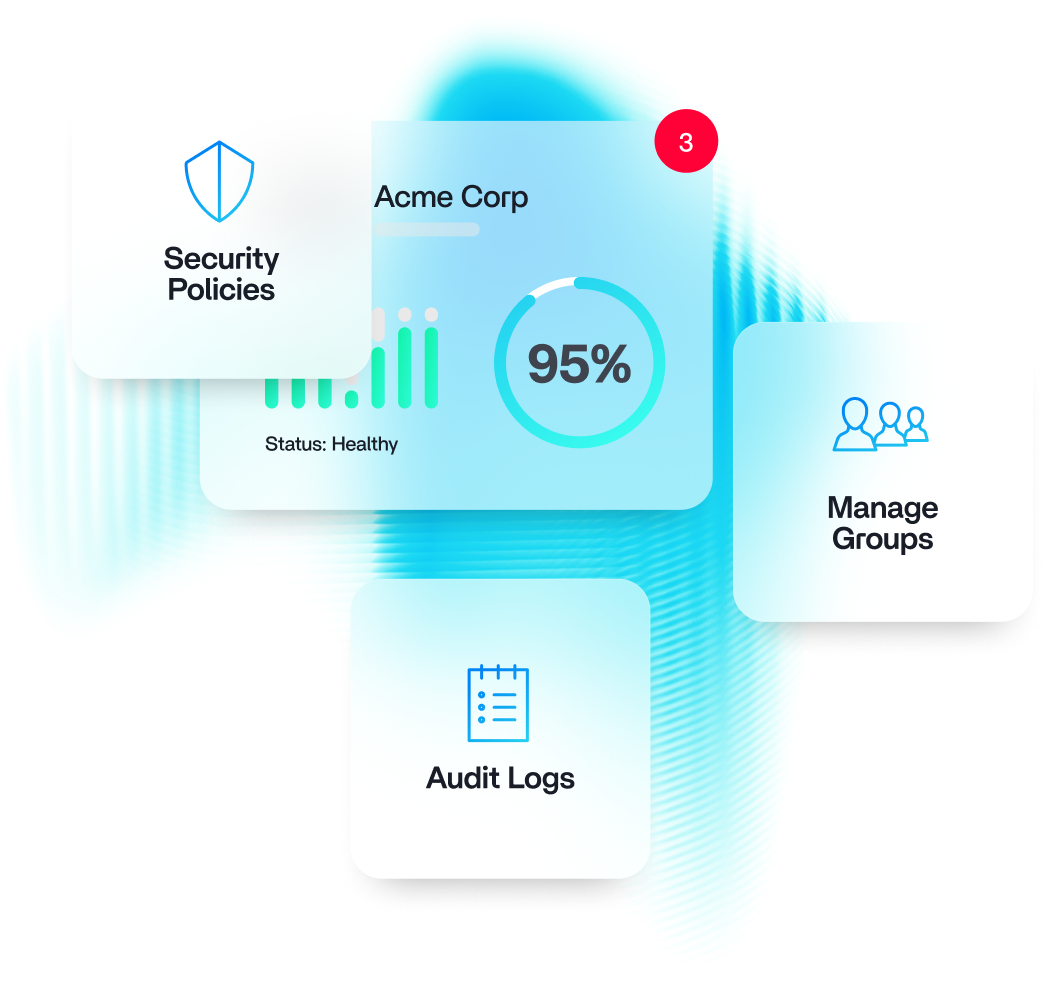
Maintain full visibility, control, and rapid response from one control surface.
Monitor and Manage. Once proximity access has been deployed, IT Admins will have full visibility and control over user activity through the Command Center, which combines high level security KPIs along with detailed user activity and emergency handling, like immediate key freezing when necessary.
Access without friction
People move through their workday without stopping to authenticate. Presence does the work.
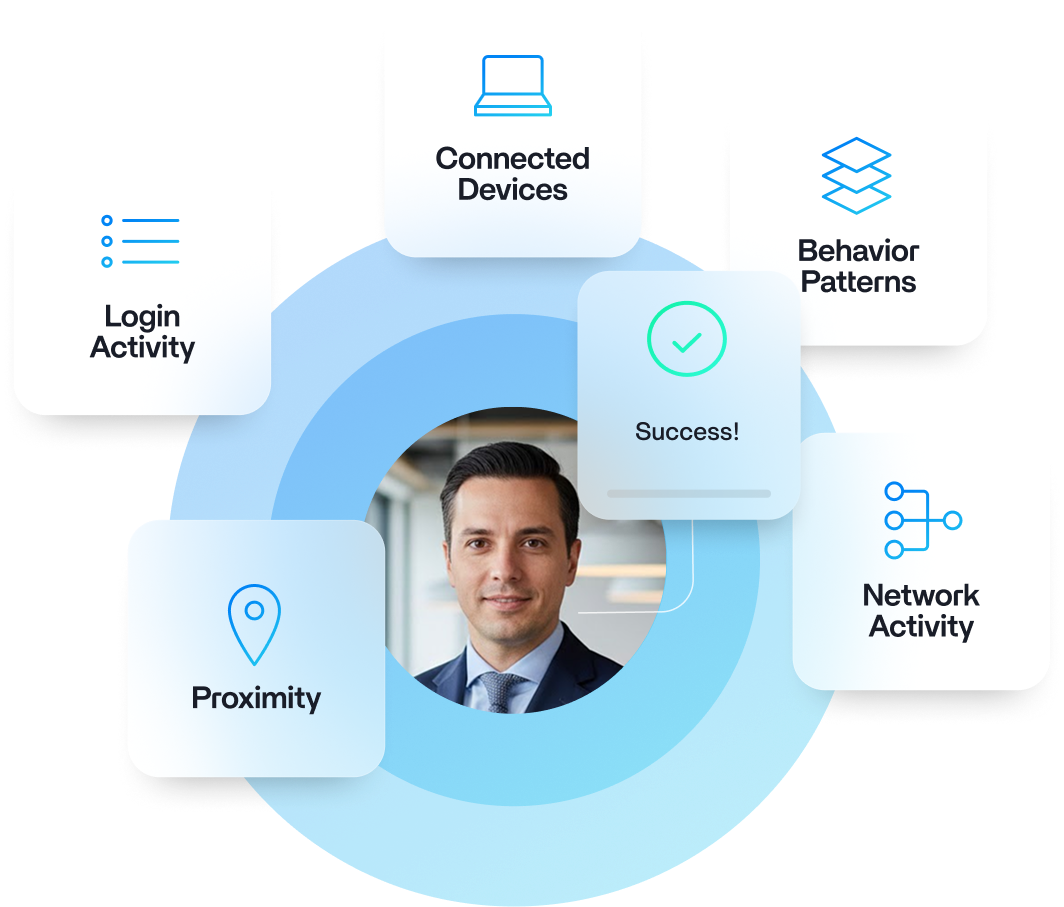
Protection that stays active
Safety does not depend on single moments of verification. Identity stays confirmed continuously.
One system instead of many tools
Hardware, software, administration, and AI operate as one platform.
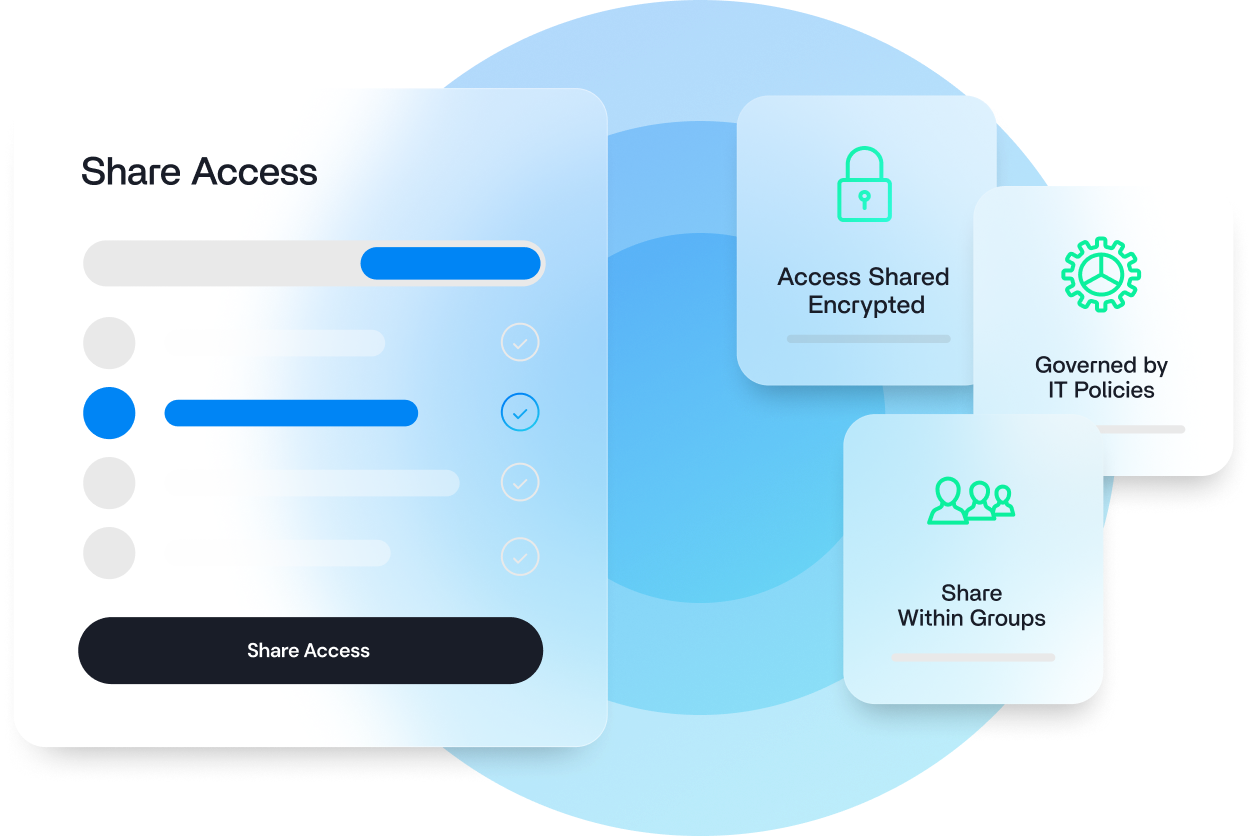
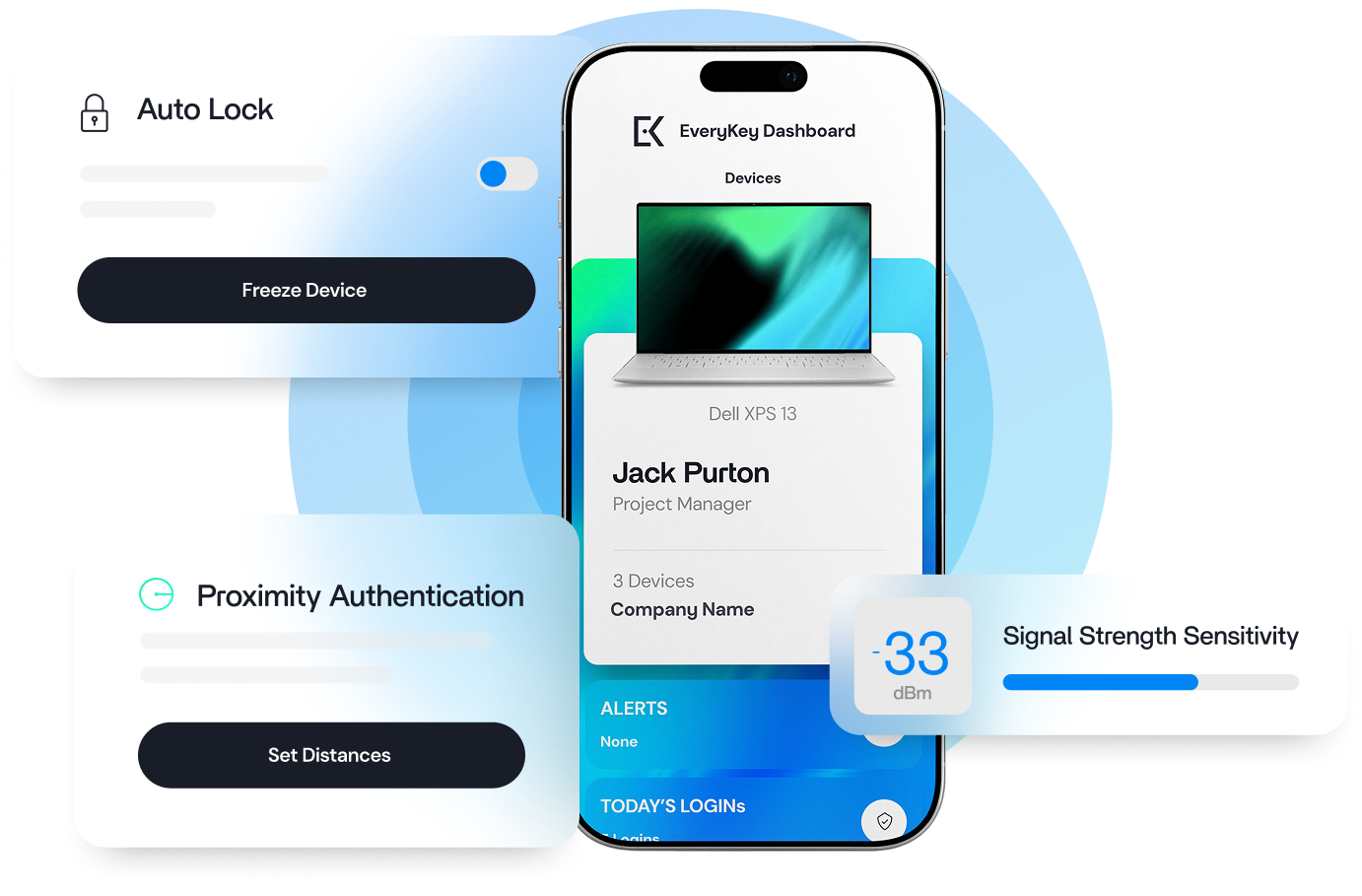
Built for people and organizations
Users gain flow and freedom. IT teams gain control and clarity.
Designed for Scale
EveryKey fits cleanly into existing enterprise environments.
It integrates with leading identity providers and SSO platforms. It supports multi-tenant deployments for MSPs. It scales across distributed teams, shared devices, and remote work.

Security controls stay consistent. Administration stays centralized. User experience stays calm and uninterrupted.



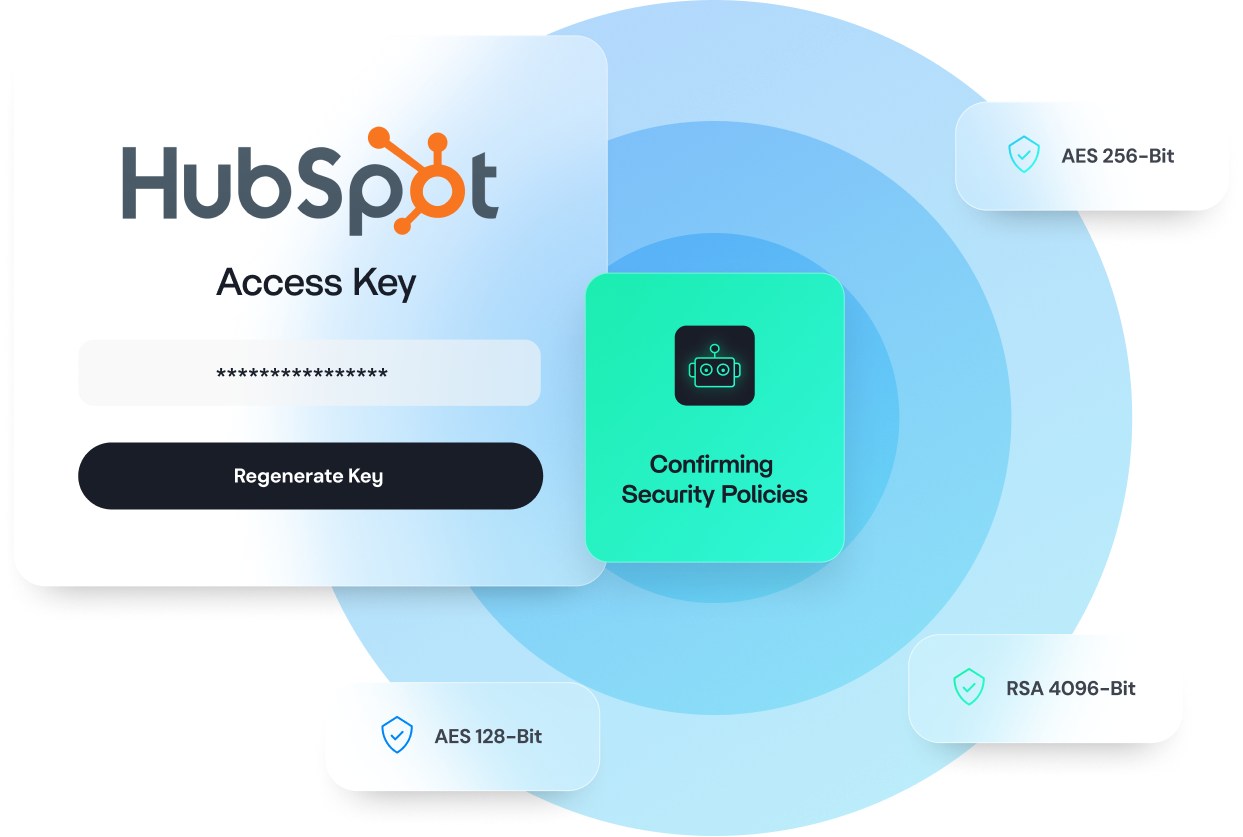
AES 128-Bit
AES 256-Bit
RSA 4096-Bit
Security by Design
EveryKey protects access at every layer.
Four layers of AES 128-bit, AES 256-bit, and RSA 4096-bit encryption protect devices, credentials, and data.
Operations are aligned with leading security controls and support ISO 27001, HIPAA, and NIST requirements. Security processes and architecture are independently audited by RSM.
Protection runs quietly in the background, preserving focus while maintaining strong control.
Who is EveryKey for?
Built for IT leaders, admins, and teams who run access across modern environments.
IT leaders who need predictable access control without slowing the organization.
MSP teams who manage multiple environments and need consistency at scale.
Administrators who want fewer tickets and clearer visibility.
Information workers who want access to feel natural and uninterrupted.
EveryKey brings these needs together in one system.
The power of trust.
EveryKey replaces friction with presence. Access stays simple. Protection stays active. Trust stays built in.