

For hospitals, clinics, and care teams
Passwordless authentication for healthcare — built around presence.
EveryKey brings passwordless login, healthcare SSO support, and automatic workstation logoff to hospitals, clinics, and care teams. Instead of asking clinicians to prove who they are dozens of times a shift, EveryKey confirms identity continuously: access opens when a trusted clinician is present and closes the instant they walk away. No password to type, no badge to tap, no reader to touch.

Automatic Logoff
Sessions lock the moment a clinician steps out of range. Automatic logoff for HIPAA compliance, with no timer to wait on.

Walk up, you're in.
Walk away, it locks. No password to type, no badge to tap — presence is the credential.
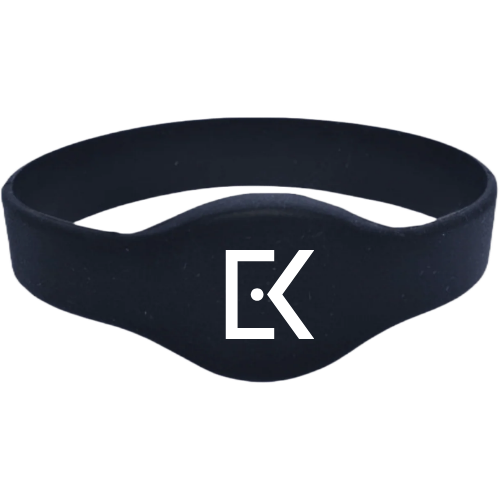
Smart Key
A medical-grade wristband (or no-tap badge) that signs clinicians into workstations and applications by presence, with a built-in biometric for two-factor security. The credential stays on the wrist, so it is never left behind, lost, or shared.
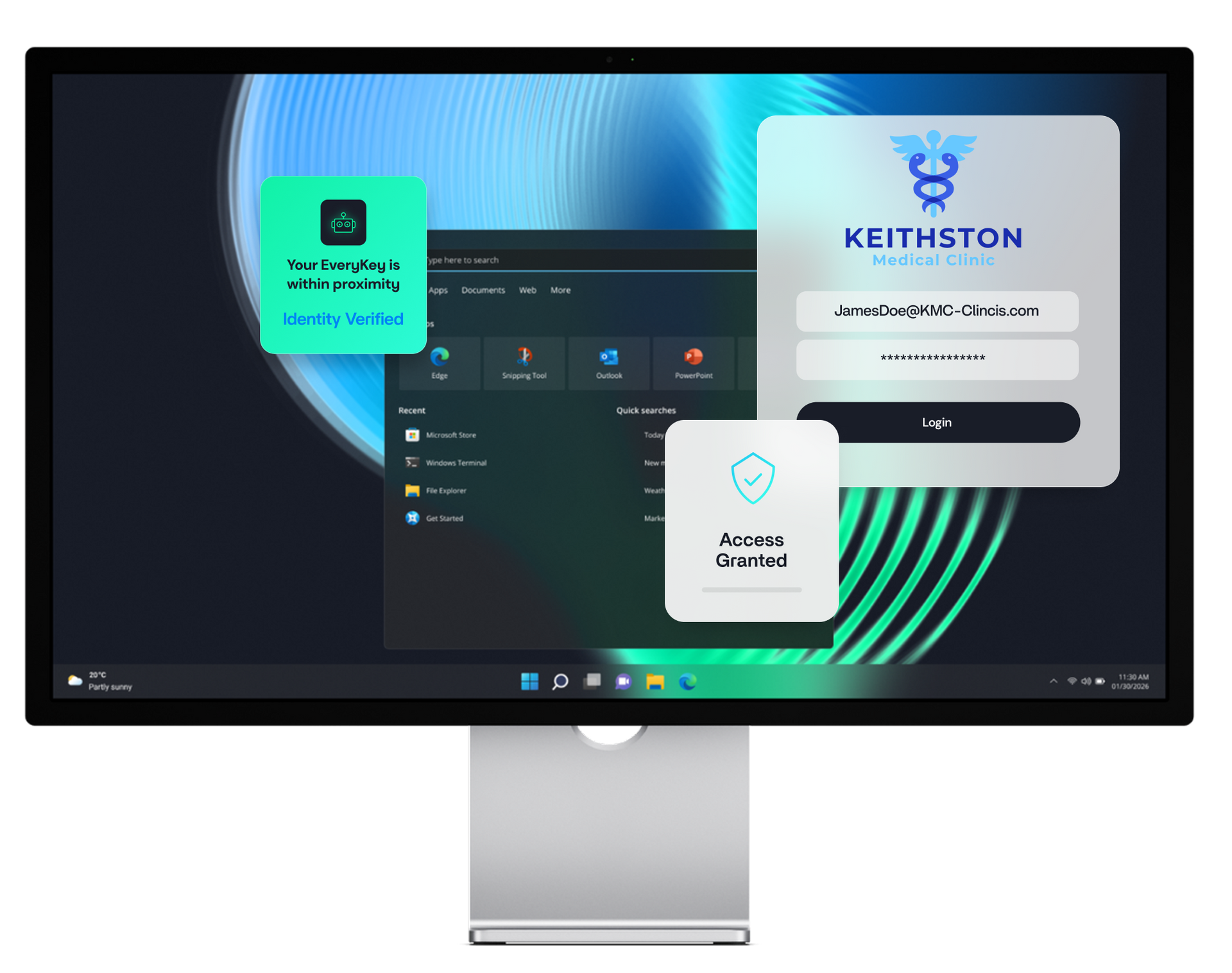
EveryKey Auth Engine
A fully automated authentication engine that turns the Smart Key into a touchless login for every shared workstation, application, and MFA prompt. Clinicians stay signed in while they are present, and signed out the moment they step away.
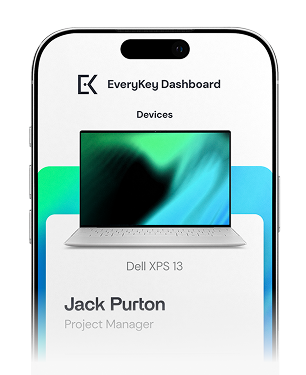
EveryKey App
The control center for each clinician. It manages the Smart Key, securely stores credentials, and works as a password manager. Identity stays anchored to the phone they already carry.
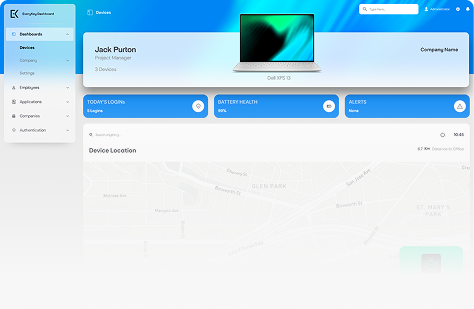
EveryKey Bridge
The administration layer for healthcare IT teams. It provides centralized control over access, policies, users, and clinical environments across every site, ward, and shared device.
For teams who put patient care first
Keep your hands on care, not on passwords.
EveryKey unlocks the workstation the moment a clinician walks up, and locks it the instant they walk away. No password to type, no badge to tap, no reader to touch. Just secure access that works right through masks, gloves, and a sterile field.
How EveryKey works:
SETUP
Define how access works for every role and every unit.
Set the right Smart Key configuration for your organization. Choose a physical key, a mobile key, or a combination by department, role, or individual clinician, from the OR to the nursing station to the back office.
INTEGRATE
Add presence based access on top of the systems you already run.
Layer proximity access onto your existing identity stack, including Okta, Microsoft Entra ID, and Duo, alongside your SSO, policy engine, and password and MFA manager. You strengthen compliance and your security posture without replacing what already works.
CONFIGURE
Apply risk aware policies by user, location, and clinical environment.
Set proximity policies that match each setting. Tighten controls in high sensitivity areas with shorter range and stricter geofencing, and allow more flexibility in lower risk spaces. Define exactly how exceptions are handled.
DEPLOY
Roll it out quickly across every site and shift.
Deploy to your teams. Each clinician sets up the EveryKey App and proximity access in minutes. Once live, they never type a password or leave a workstation unlocked again. Presence drives access.
MANAGE
Keep full visibility and rapid response from one control surface.
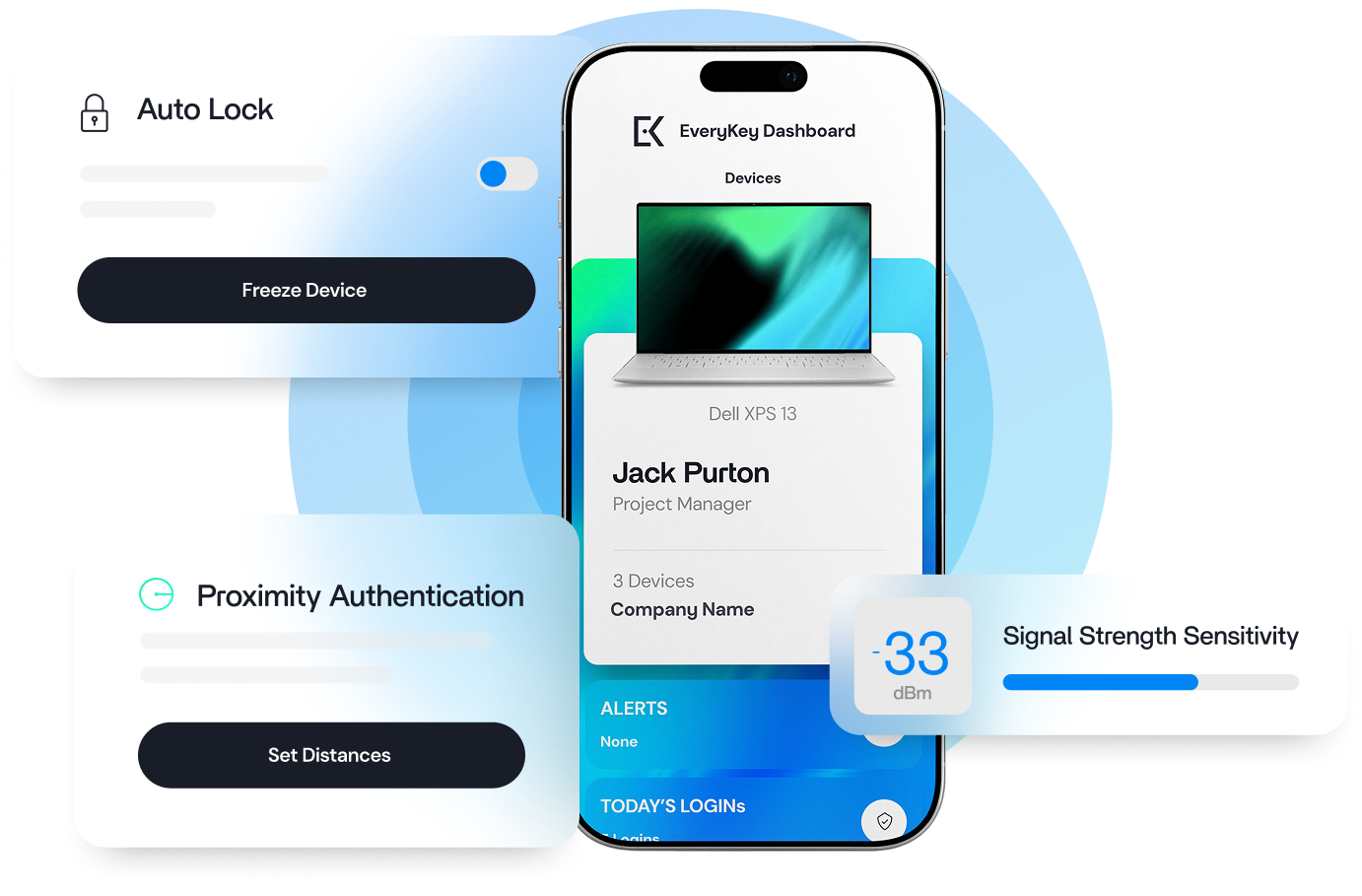
Monitor and manage from the Command Center. IT teams see high level security signals alongside detailed activity, and can act instantly when needed, including freezing a lost or stolen key the moment it is reported.
Built for clinicians, IT leaders, and teams who prioritize patient care and productivity.
Clinicians move through the shift without stopping to authenticate. Presence does the work.
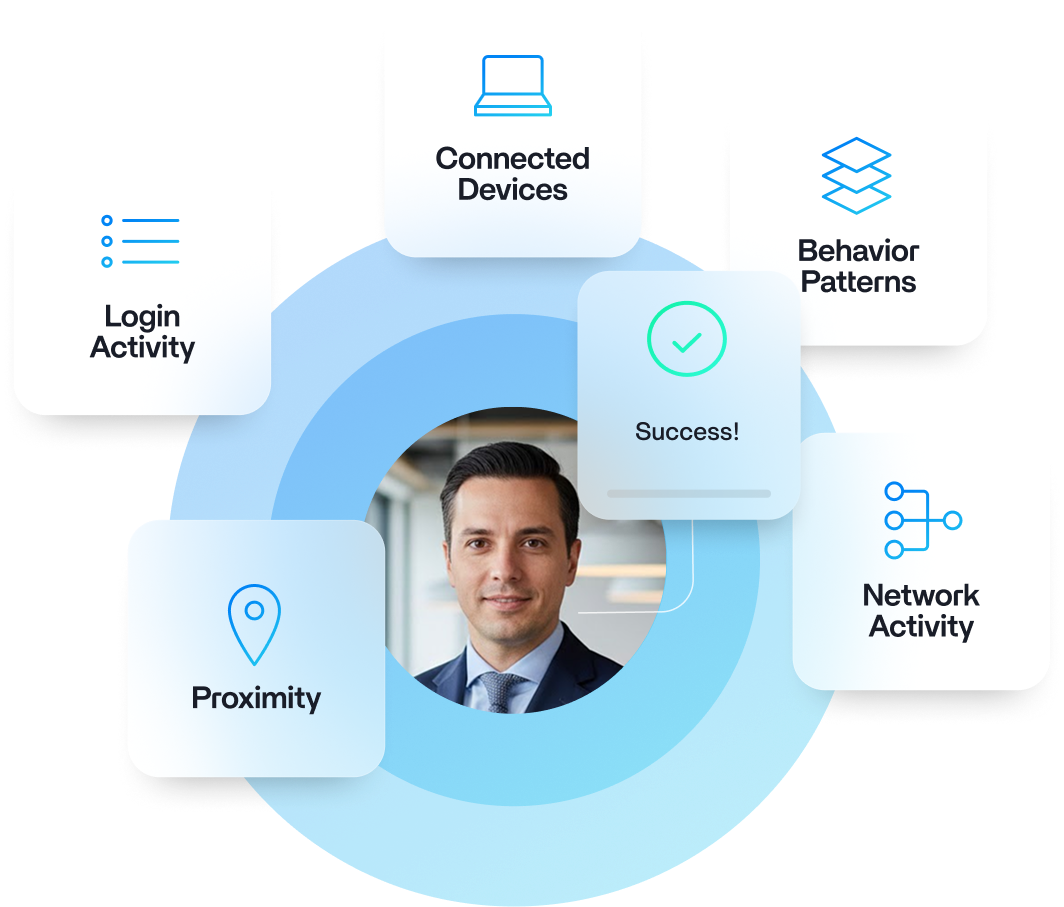
Protection that stays active
Patient data is never left exposed on an unattended screen. Identity stays confirmed continuously, and access closes the moment a clinician walks away.
Shared workstation authentication.
Clinicians move between shared carts and stations all shift. EveryKey signs the right person in on contact and locks the session the instant they step away, so patient data is never left exposed and no one charts under the wrong name.
Proximity login for hospitals — no tap, no touch.
The wristband combines presence with a built-in biometric, giving true two-factor security in one device. Clinicians confirm it at the start of a shift, then sign in hands-free all day. There is no fingerprint or face scan at the workstation, so gloves and masks never block access.
Designed for Scale
EveryKey fits easily into existing healthcare environments.
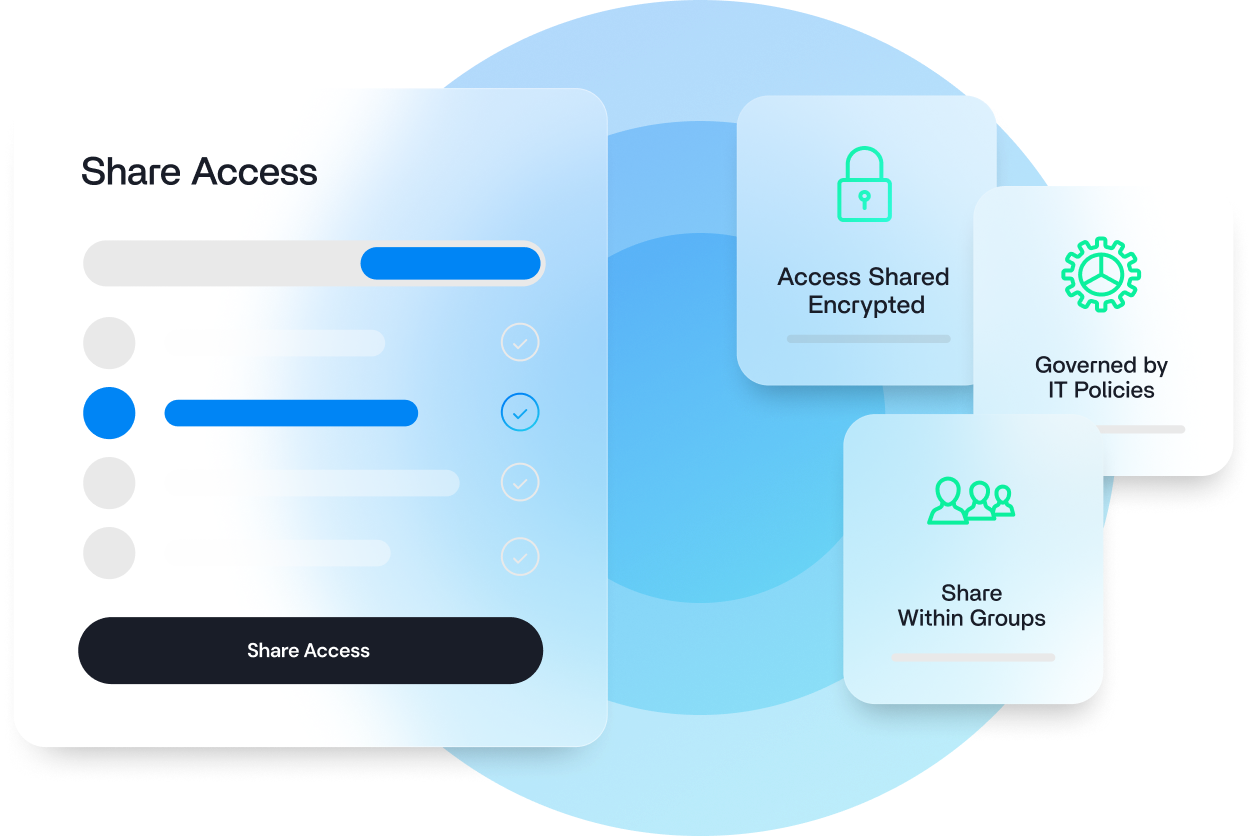
It integrates with leading identity providers and SSO platforms. It supports multi-site and multi-tenant deployments. It scales across hospitals, clinics, shared workstations, and mobile carts.

Security controls stay consistent. Administration stays centralized. The experience at the bedside stays calm and uninterrupted.



Always on the body
Can't be left at a desk, dropped in a hallway, or quietly shared. The credential moves with the clinician, every shift. The user is locked out the moment the wearable leaves the body.
Continuous proximity
BLE pairing enables on-body and on-device detection - The clinician can stay logged in as long as they are within range. Out of range? The station automatically locks up!
Sterile-friendly
Medical-grade silicone wristbands that provide presence-based authentication without compromising PPE or patient care in sterile environments.
Switching from tap-and-go SSO like Imprivata?
Badge-tap systems still make clinicians stop at every workstation. EveryKey is an Imprivata alternative that removes the tap entirely — presence signs you in, walking away signs you out. It layers onto Okta, Microsoft Entra ID, and Duo, so there's no rip-and-replace.
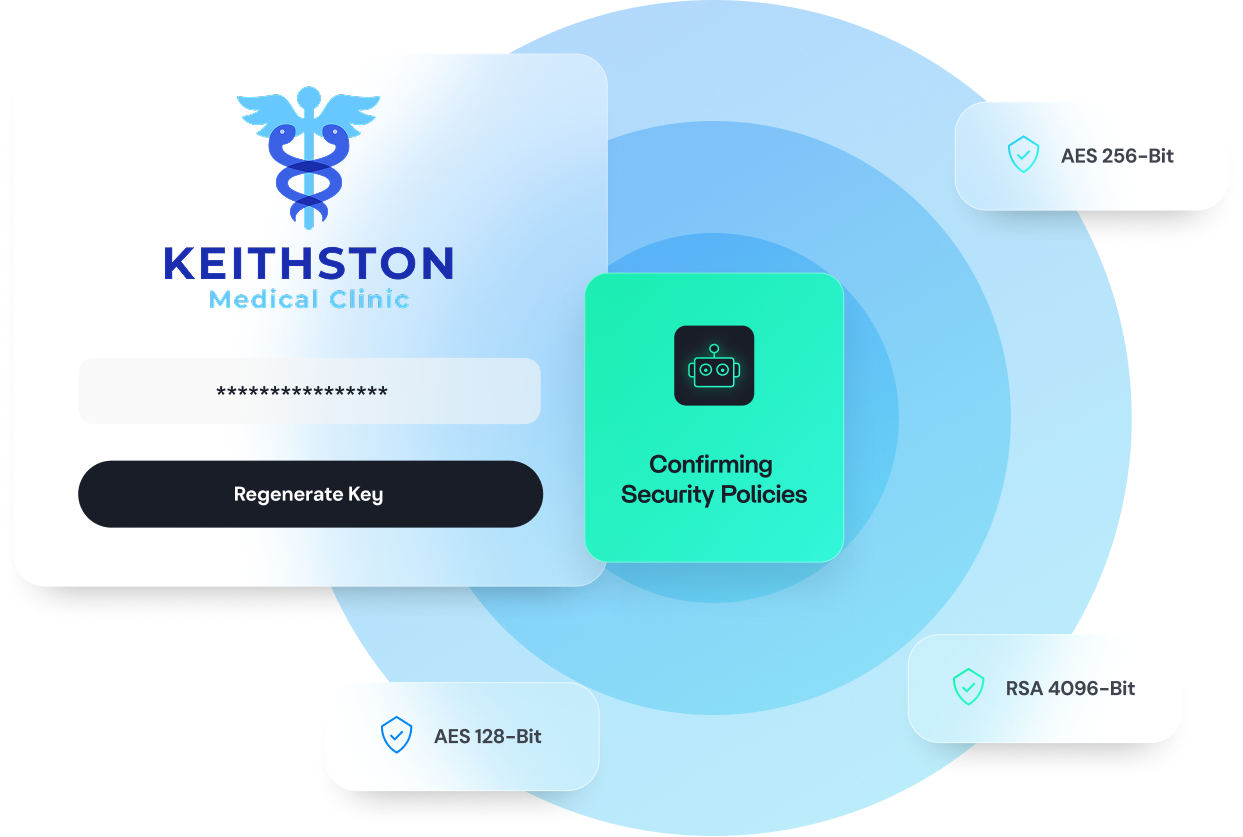
AES 128-Bit
AES 256-Bit
RSA 4096-Bit
Security by Design
EveryKey protects access at every layer.
Four layers of AES 128-bit, AES 256-bit, and RSA 4096-bit encryption protect devices, credentials, and patient data.
Operations align with leading security controls and support ISO 27001, HIPAA, and NIST requirements, and the architecture is independently audited by RSM.
Protection runs quietly in the background, so clinicians keep their focus on care.
Who is EveryKey for?
Simple for clinicians. Great for IT.
Clinicians and nurses who need instant, secure access at the bedside, through gloves and masks, without one more password.
Healthcare CISOs and IT leaders who need airtight, HIPAA aligned protection for patient data that never slows care.
IT administrators who want fewer password tickets and clear visibility across every site and shared device.
Healthcare administrators who want a more efficient, productive workforce and a smoother shift for staff.
EveryKey brings these needs together in one system.
The power of trust.
EveryKey replaces friction with presence. Access stays simple. Patient data stays protected. Trust stays built in.